
How to Find Dallas County Court Dockets
Start at the Dallas County Courts Portal. Open a case through Smart Search, and the docket appears as a list of entries inside the case. To find a hearing without the case number, use Search Hearings instead. That tool lets you filter by location, hearing type, party, attorney, judicial officer, or courtroom.
Both tools are free and need no account, but your browser must allow JavaScript and cookies. Gather a name or case number before you start.
- Open the Dallas County Courts Portal.
- Use Smart Search to open a case, or choose Search Hearings for a date-based lookup.
- In Search Hearings, pick a location, a hearing type, and a search type.
- Enter the party name, attorney, bar number, judicial officer, or courtroom.
- Open the result to read the docket entries and the next setting.
For a copy of any filed document, request it from the clerk who holds the case. County court case questions go to CC-Inquiry@dallascounty.org, and district court case questions go to DC-Inquiry@dallascounty.org.
Smart Search also handles business names and nicknames. To search a business, open Advanced Filtering Options, go to General Options, and choose Business Name as the search type. If the business name has a comma, replace the comma with an asterisk and add nothing after it. A wildcard business or nickname search needs at least four characters plus the asterisk.
What a Dallas County Court Docket Shows
A docket is a timeline, not the full file. Each entry marks something that happened, with a date and a short label. The portal also exposes the search fields that build a hearing list. The table below maps the fields you set when you search hearings.
| Field Label | Type | Required | Notes / Format |
|---|---|---|---|
| Select Location | Dropdown | Yes | All Locations, District Civil, District Criminal, District Family, County Civil, County Criminal, Probate, JP. |
| Select Hearing Types | Dropdown | Yes | All Hearings, civil, criminal, family, probate, JP, or trial hearings. |
| Select Search Types | Dropdown | Yes | Case Number, Party Name, Business Name, Attorney Name, Bar Number, Judicial Officer, Courtroom. |
| Last Name / First Name | Text | For party search | Required when party name is the search type. |
| Sounds Like | Checkbox | No | Phonetic name match. |
| Select Judicial Officer / Courtroom | Dropdown | No | Long list of judges and courtrooms. |
A docket entry itself usually shows the date, the filing or event type, and the party or attorney tied to it. Across a full case, the docket and hearing data pull from a common set of fields.
- Court location and hearing type.
- Party name, business name, and attorney name or bar number.
- Judicial officer and courtroom.
- Hearing date and the event or filing label.
- Case type and current case status.
These are the same fields the portal uses to build a result, so a clean name or case number returns a cleaner docket.
Which Dallas County Courts Publish Dockets
Most Dallas County trial courts publish docket and hearing information online through the same portal. Civil and family district courts, criminal and felony district courts, county courts at law, county criminal courts, and the three probate courts all appear in the hearing search. Justice of the peace hearings show too, though detailed JP records stay with the precinct office.
Family district court access is limited to case information, and records with children's names or sensitive data are not online. So a family docket may show a setting without exposing the full file. For the court roster and where each bench sits, see the Dallas County District Court page.
The court count is large, which is why the location filter helps. Civil district courts run from the 14th through the 298th. The criminal side adds Criminal District Courts 1 through 7 plus felony courts like the 194th, 195th, 203rd, 204th, 265th, 282nd, 283rd, 291st, 292nd, and 363rd. County Courts at Law run 1 through 5, and there are eleven county criminal courts plus two county criminal courts of appeals. Three statutory probate courts round out the list. Picking the right court group narrows a hearing search fast.
Dallas County Hearing Settings and Trial Dates
Most people search a docket to find the next setting. A setting is a scheduled date for a hearing, plea, or trial. The hearing search lets you pull settings by court group and hearing type, so you can list all trial settings for a court or all probate hearings on a given day.
Settings change often. A case can be reset by agreement, by motion, or by the court's calendar. A continuance moves a setting to a later date. Because online data can post a day or two behind the courtroom, the safest move is to confirm a setting with the court coordinator before you travel downtown. The portal also shows the judicial officer and the courtroom, which tells you the building and floor.
Criminal settings move through stages. An arraignment reads the charge, pretrial settings handle motions and plea talks, and a trial setting is the date the case is set to be heard. Civil cases often show scheduling orders, hearing dates on motions, and a trial date near the end.
Will my docket show every document? Not always. The docket lists events, but some documents are sealed, restricted, or held offline. Family cases show case information only. To read a filed paper, you may need to request a copy from the clerk that holds the case.
Portal Rules for Dallas County Court Dockets
The portal has a few rules worth knowing. JavaScript and cookies must be on. It supports current and prior major releases of common browsers. Basic public search is free, and no registration is needed for the public. Only defense attorneys and county employees register for extra access.
Payments inside the portal carry a 2.39% card convenience fee, and the system currently takes only full payments. For best results, the county tells users to download a document before printing rather than printing straight from the browser. None of this affects free docket viewing, which stays open to anyone.
Justice of the peace and municipal dockets work a little differently. JP hearings appear in the county hearing search, but the detailed citation and case records stay with the precinct that heard the matter. City municipal court dockets, such as Dallas Municipal Court, sit with the city rather than the county. So a traffic docket may route to a precinct office or a city court instead of the central portal.
Court Dockets Versus Full Case Records
A docket and a case file are not the same thing. The docket is the index of events. The file is the stack of documents behind those events. The comparison below shows the difference.
| Feature | Court Docket | Full Case Record |
|---|---|---|
| What it is | A dated list of filings and events | The actual documents in the case |
| Where to find it | Courts Portal hearing or case view | Clerk record desk or portal document view |
| Cost | Free to view | Copies and certified copies cost money |
| Best for | Next setting, judge, case status | Reading motions, orders, and judgments |
For the full document side, see the Dallas County court records page.
Federal Court Dockets in Dallas
Federal cases are not in the county portal. Dallas County sits in the U.S. District Court for the Northern District of Texas, and federal dockets run through PACER, the national public access system. The PACER court lookup confirms the Northern District and its Dallas Division.
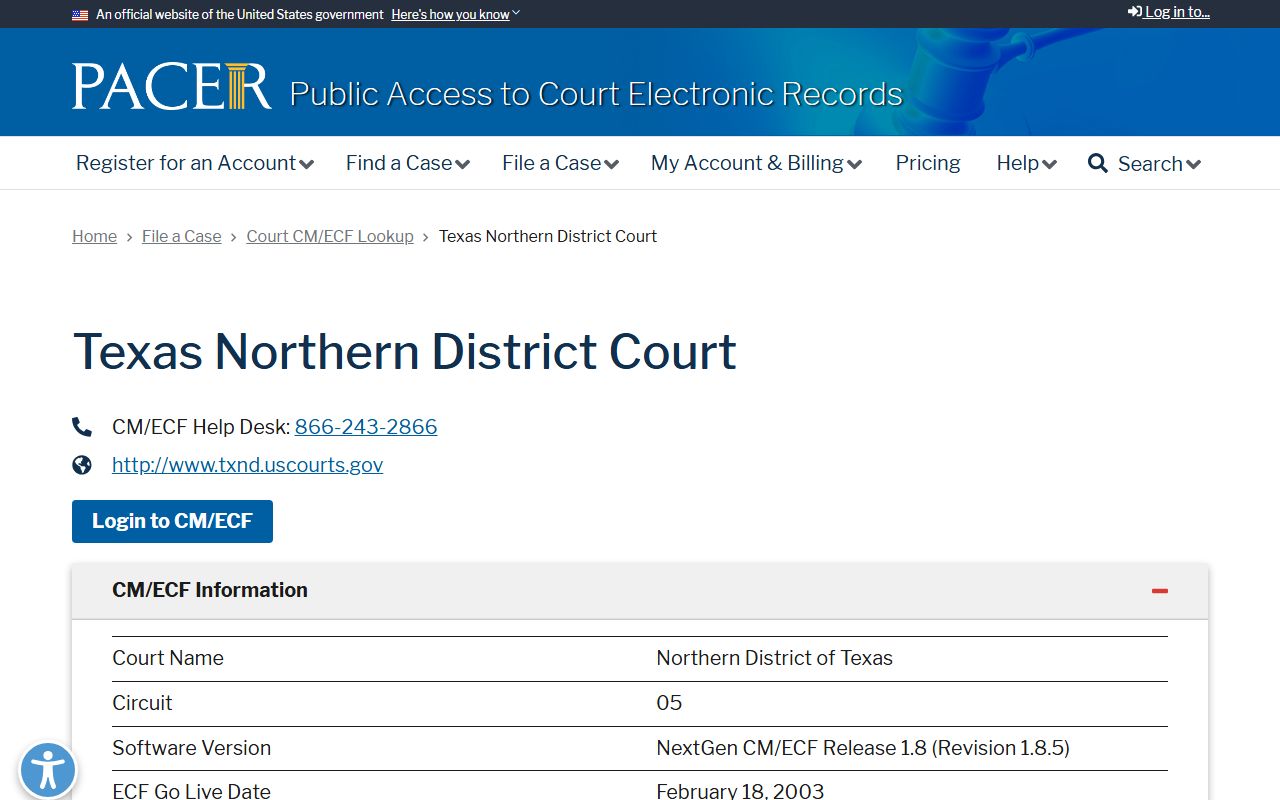
The PACER CM/ECF lookup points you to the right federal court system for Dallas cases. Bankruptcy cases use their own court.
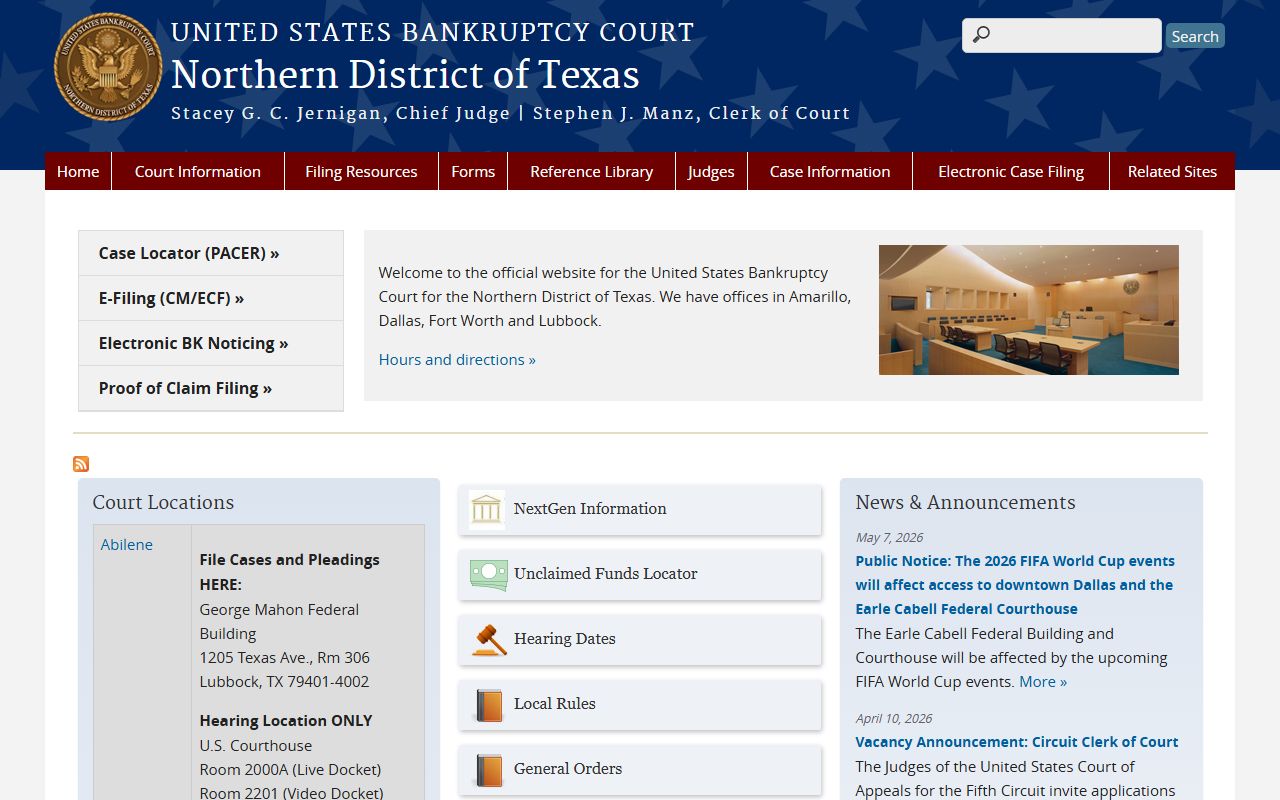
The U.S. Bankruptcy Court for the Northern District of Texas handles Chapter 7, 11, 12, and 13 dockets. Federal prosecutions in Dallas run through the U.S. Attorney's office.
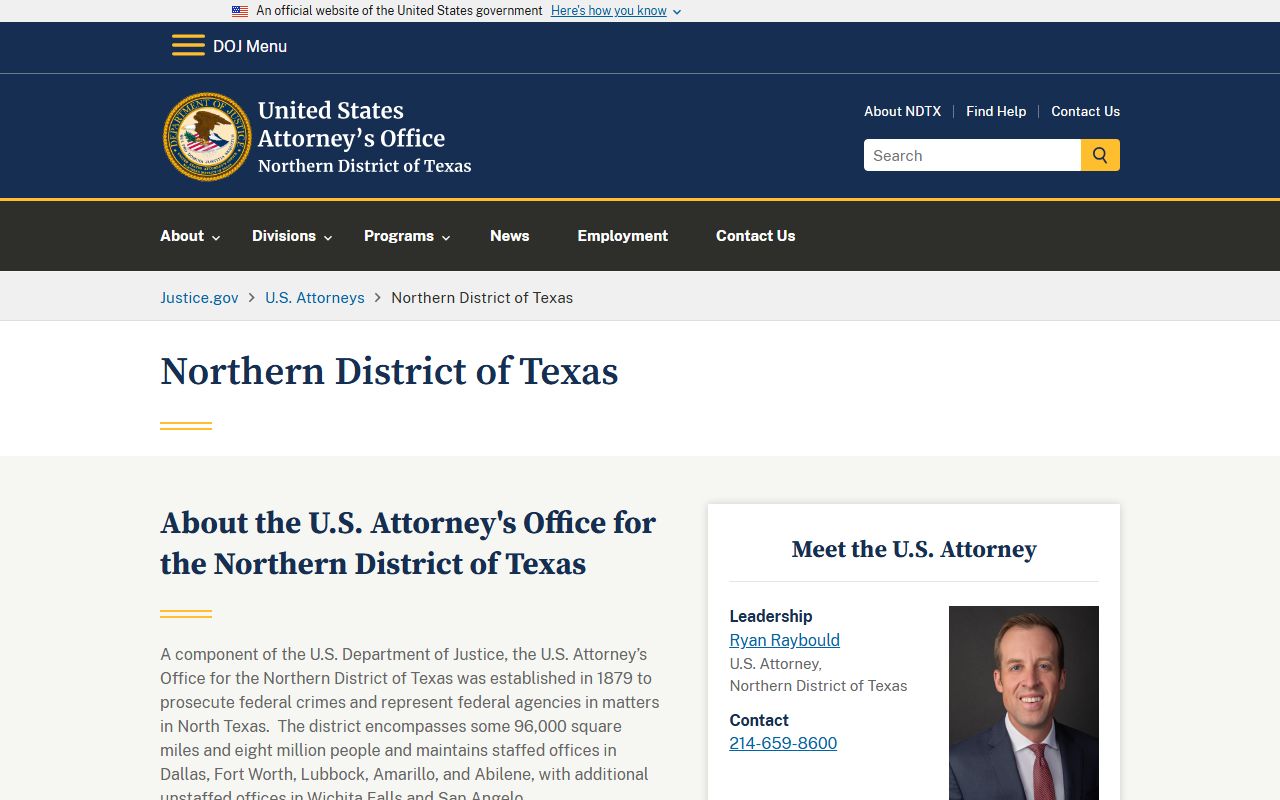
The U.S. Attorney's Office for the Northern District prosecutes federal crimes in North Texas.
Reading Dallas County Docket Entries
Docket entries use shorthand. Knowing a few terms helps you read the timeline.
- Setting
- A scheduled date for a hearing, trial, or other appearance.
- Continuance
- A postponement of a hearing or trial to a later date.
- Motion
- A written request asking the judge to enter an order.
- Disposition
- The outcome line, such as dismissed, judgment entered, or convicted.
- Capias
- An order to arrest, often issued after a missed setting.
Note: Online dockets can lag the courthouse, so confirm a setting date with the court or clerk before you appear.