
How to Search Dallas County Court Records
The main tool is the Dallas County Courts Portal, a Tyler/Odyssey system reached from the county Online Record Search page. It covers civil district courts, family district court case information, county and probate courts, and felony and misdemeanor cases. Public access is free and needs no account. Your browser must allow JavaScript and cookies.
Have your search terms ready before you begin. A name in Last, First Middle Suffix order works best. A cause or case number is faster when you have one. For business names, you may need the advanced filter.
- Open the Dallas County Courts Portal and select Smart Search.
- Enter a record number, or type the party name in Last, First Middle order.
- For a wildcard name search, use at least three last-name letters plus an asterisk and one first-name letter plus an asterisk.
- Open Advanced Filtering Options to set location, case type, status, file date, or judicial officer.
- Open the case to read the docket, then ask the clerk for a certified copy if you need one.
Questions about county court cases go to CC-Inquiry@dallascounty.org. District court case questions go to DC-Inquiry@dallascounty.org.
Dallas County Court Records Search Fields
Smart Search uses one main box plus advanced filters. The fields below are the ones the portal exposes. Wildcards matter when you are unsure of a spelling, and the asterisk stands in for the rest of a word.
| Field Label | Type | Required | Notes / Format |
|---|---|---|---|
| Record Number or Name | Text | Yes for general search | Name format Last, First Middle Suffix; case-number wildcard needs four characters. |
| Last Name | Text | Yes for party search | Wildcard: three letters plus an asterisk. |
| First Name | Text | Yes for party search | Wildcard: one letter plus an asterisk. |
| Filter by Search Type | Dropdown | No | Party Name, Business Name, Nickname, or Sounds Like. |
| Filter by Case Type / Status | Dropdown | No | Narrows by case category or stage. |
| Filter by Judicial Officer | Dropdown | No | Long list of district, county, and criminal court judges. |
| File Date Start / End | Date | No | Limits results to a filing date range. |
If a business name has a comma, the portal says to replace the comma with an asterisk and add nothing after it. For a docket-focused view, see the Dallas County court dockets page.
Types of Dallas County Court Records
The court that hears a case sets where the record lives. District courts handle felonies and large civil, family, and juvenile matters. County courts handle misdemeanors and county civil suits. Probate courts handle estates and guardianships. Justice and municipal courts handle small claims, evictions, and most traffic citations.
Online coverage runs deep for older files. Civil case information goes back to 1975, with most case files after 2008 online. Felony case information also dates to 1975, with most documents after 2009 online.
Criminal records also split by severity. Felonies go to the district courts and the District Clerk. Class A and Class B misdemeanors go to the eleven county criminal courts and the County Clerk. A Class A misdemeanor carries up to a $4,000 fine, up to one year in jail, or both. A Class B carries up to $2,000, up to 180 days, or both. A Class C is fine only, up to $500, and is usually handled by JP or municipal courts. The County Clerk runs misdemeanor background searches for a $5 fee.
- Civil district records, such as lawsuits, property disputes, and money judgments.
- Family records, such as divorce, custody, and support, often with restricted access.
- Felony and misdemeanor criminal records.
- Probate records, such as wills, estates, and guardianships.
- Justice of the peace and municipal court records, including most traffic citations.
Justice of the peace courts publish some traffic and citation details, like the precinct page shown here.
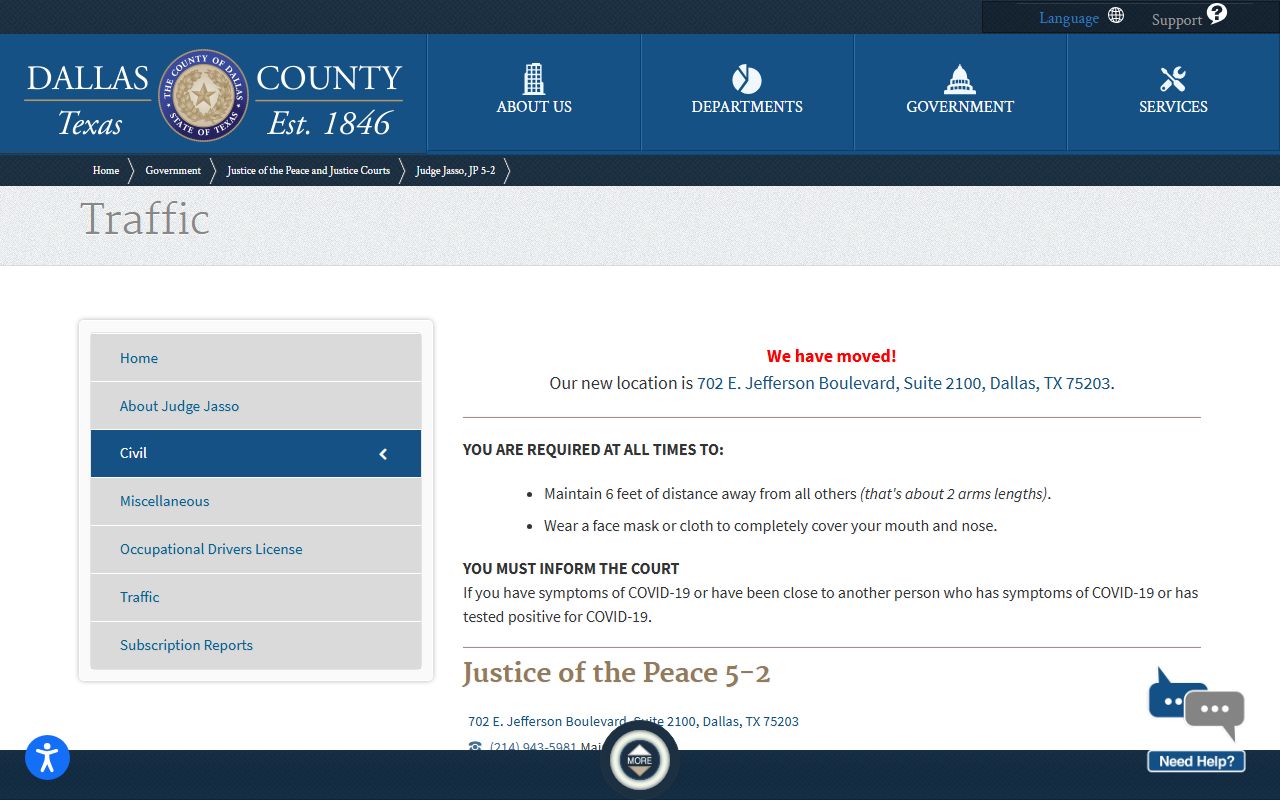
JP records stay with the JP court that heard the case, so traffic matters often route to a precinct office rather than the central clerk.
What Dallas County Court Records Show
A court record is built from the fields the clerk indexes. The portal exposes case and party data, court and hearing details, and criminal identifiers. The list below maps the fields a typical case file returns.
| Field | What It Shows |
|---|---|
| Case / Cause Number | The unique number assigned to the file. |
| Parties | Plaintiff, defendant, petitioner, or respondent. |
| Court and Location | The bench and building hearing the case. |
| Case Type and Status | The category and current stage of the case. |
| Filing Date | When the case opened. |
| Disposition | The outcome, such as dismissed or convicted. |
| Documents | Filed papers for eligible post-2008 civil and post-2009 felony cases. |
Criminal files add booking, SO, and FBI numbers plus warrant and bond flags. A glossary of these terms appears on the arrest records page.
Public Access Framework for Dallas County Court Records
Texas starts from open access. The Texas Public Information Act, in Government Code Chapter 552, lets the public see government records without explaining why. Court files share that presumption, though confidentiality statutes and court rules limit some material. Anyone can run the free public search; certified copies and some documents carry a fee.
Judiciary records carry extra rules. Government Code § 552.0035 addresses access to judicial information, and court files also answer to court rules, common law, and specific confidentiality statutes. Official public records, such as deeds, assumed names, and marriage records, are searched in the separate County Clerk GovOS system rather than the court portal. If you see a Social Security number or other sensitive data in a public file, the county asks you to report it through a sensitive-information form so the clerk can review and redact it.
State agencies handle their own public information too. The Texas DPS public information page explains how driver, crash, and criminal history records are released, which differ from county court files.
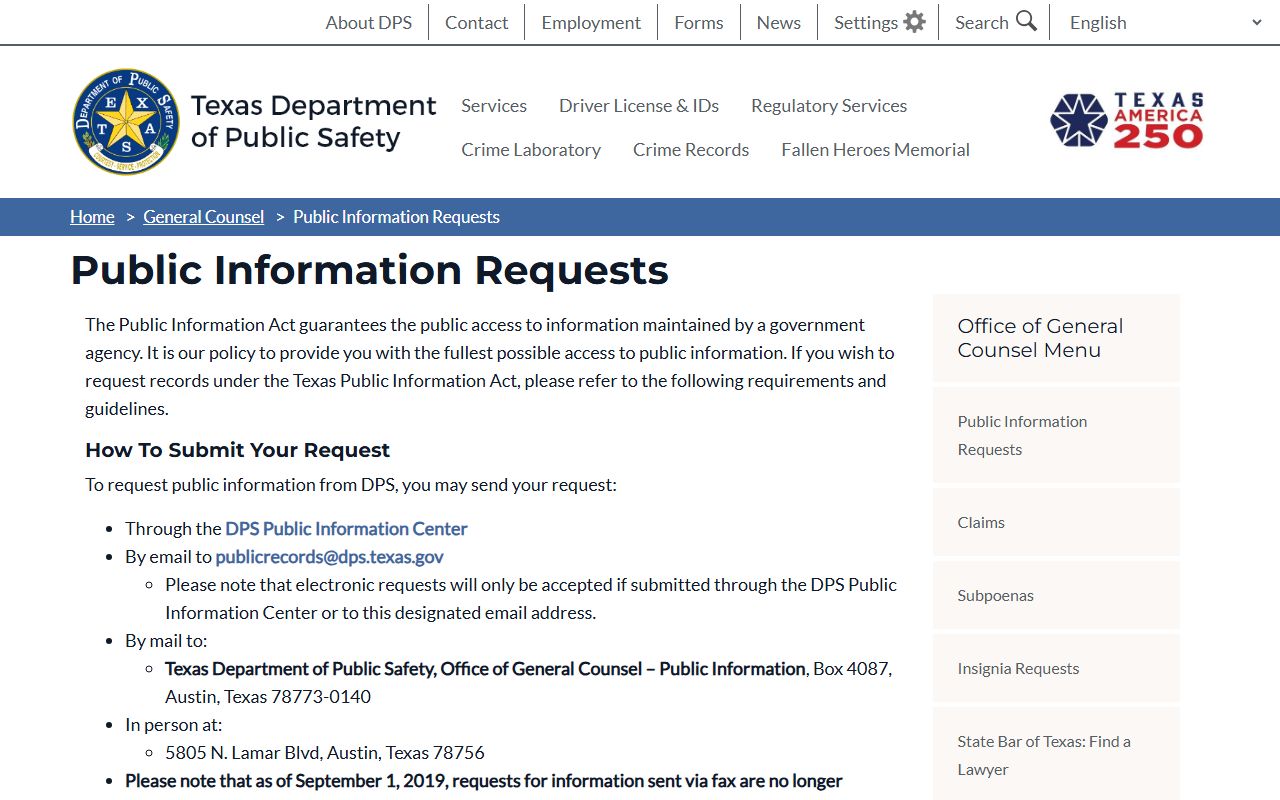
The Texas DPS public information page covers state-held records that sit outside the county court portal.
Note: A record can be public in general yet still have parts redacted under a confidentiality statute, so expect some fields to be withheld.
Records That Are Sealed or Confidential in Dallas County
Some files are closed by law. Juvenile records are confidential under Texas Family Code Chapter 58. Mental health records are protected under Health and Safety Code Chapter 611. Adoption files are restricted under Family Code Chapter 162. The District Clerk also keeps records with children's names or sexual assault victim names off the web.
Sealing and expunction are separate tracks. A civil record can be sealed under Texas Rule of Civil Procedure 76a after a motion, notice, and court findings. A criminal record can be erased by expunction under Code of Criminal Procedure Chapter 55A or limited by an order of nondisclosure. To view a sealed file, you generally need a court order or proof you are an authorized party.
Court Records Versus State Driver Records
People often confuse a court file with a state driver record. They are different files held by different agencies. A court traffic record sits with the JP or municipal court. A driver record sits with Texas DPS and shows license status, crashes, violations, and suspensions.
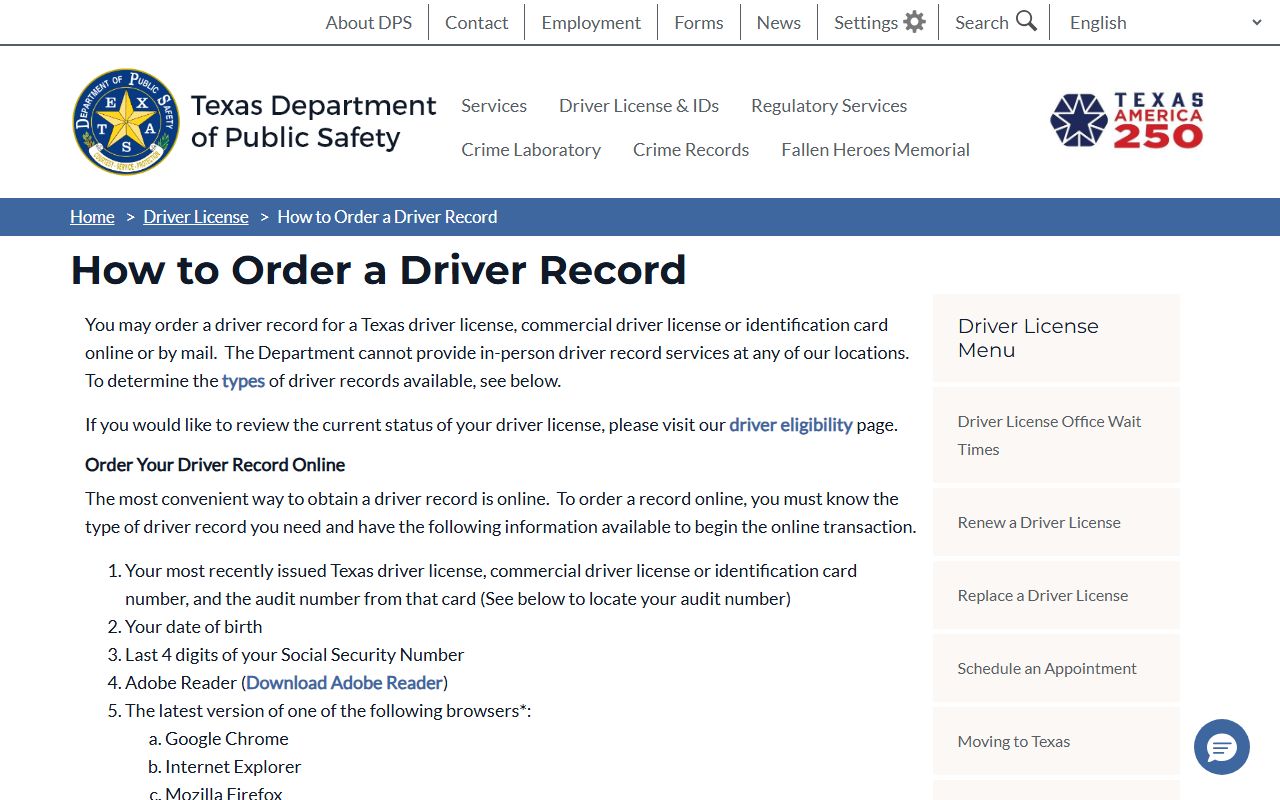
You order a Texas driver record online or by mail through DPS driver records, not from a court docket. DPS also answers update questions on its FAQ.
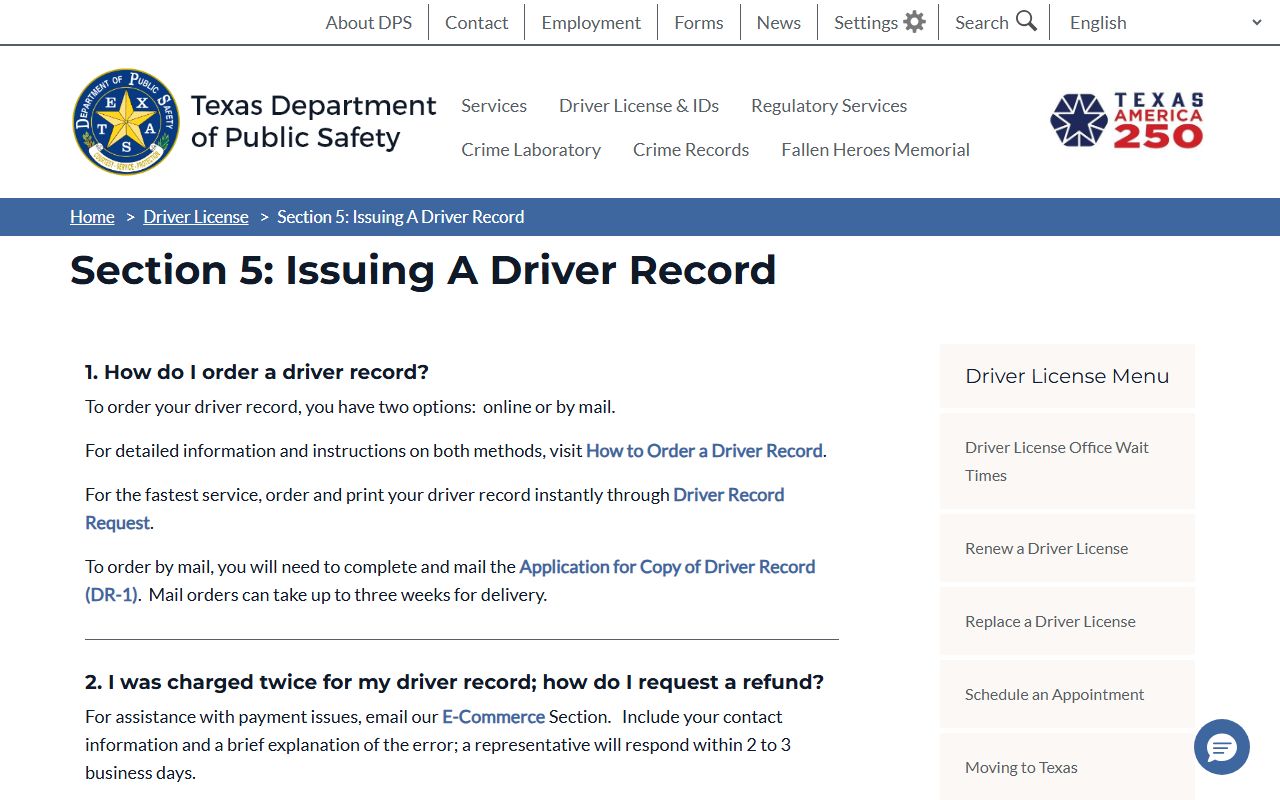
The DPS driver record FAQ explains record types and how long a court correction takes to appear. For citation handling, see the traffic court records page. A city driving safety course can keep a ticket off a record, with rules shown below.

The City of Dallas driving safety course page lists CDL ineligibility and the affidavit a driver must sign.
In-Person Court Record Requests
You can request copies at the clerk's counter. Civil and family records are at the District Clerk desk in the George Allen Courts Building basement. Felony records are at the Frank Crowley desk. Bring the case number, names, and a payment method, and ask staff for the exact copy cost before you pay.
Dallas County District Clerk - Civil/Family Records
600 Commerce Street, Basement West
Dallas, TX 75202
(214) 653-6076
Mon-Fri 8:00 a.m.-4:30 p.m.
If you need legal help reading a record, free clinics can assist. The SMU Dedman School of Law runs legal clinics open to qualifying clients.

The SMU Dedman School of Law clinics are one of several legal-aid options for self-represented filers in Dallas County.